Shark – Predeployment tests
Bluetooth Connection
Please refer to the previous instructions for connecting to the device using PC or Android.
Once connected to the device, you can carry out the following pre-deployment functional tests. Screenshots below show typical serial terminal output on an Android device.
Tag Self Test
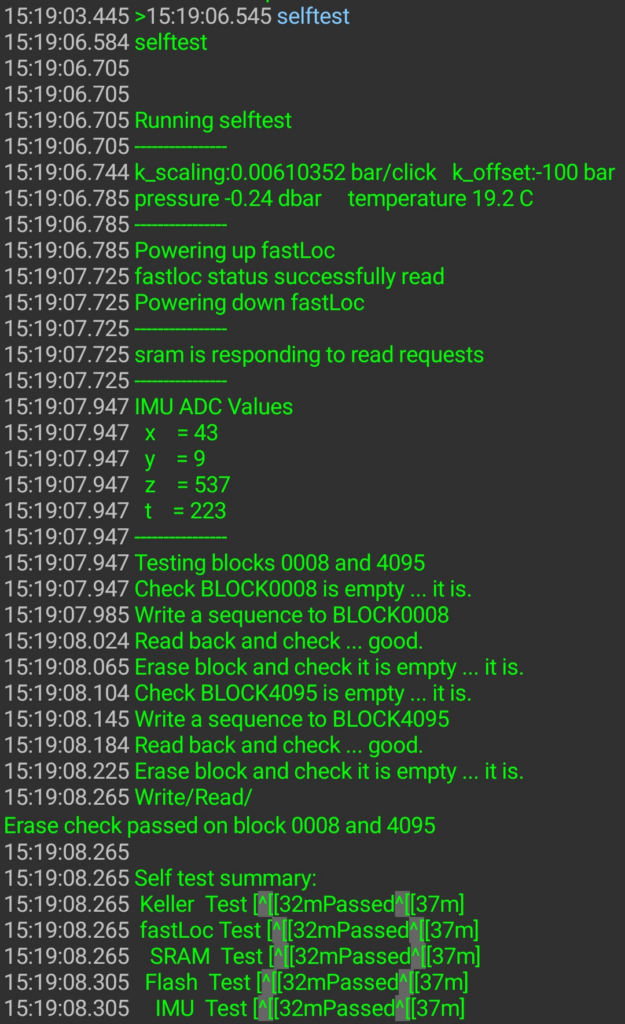
Type “selftest” to initiate the onboard system check. All peripherals should report “Passed” status.
GPS Functional Test
Run the fastloc command to take a GPS snapshot. This requires a clear view of the sky, so should only be attempted outdoors.
Type “fastloc” with no arguments. It will take around 20 seconds for the diagnostic snapshot to complete in this interactive mode.

The first line of the command output should ideally report the number of satellites (nSV) as 4 or greater.
Argos Functional Test
Run the argos command with no arguments. This will show the available options and default parameters. The tag is likely already configured to transmit three uplinks with a three second delay between them.
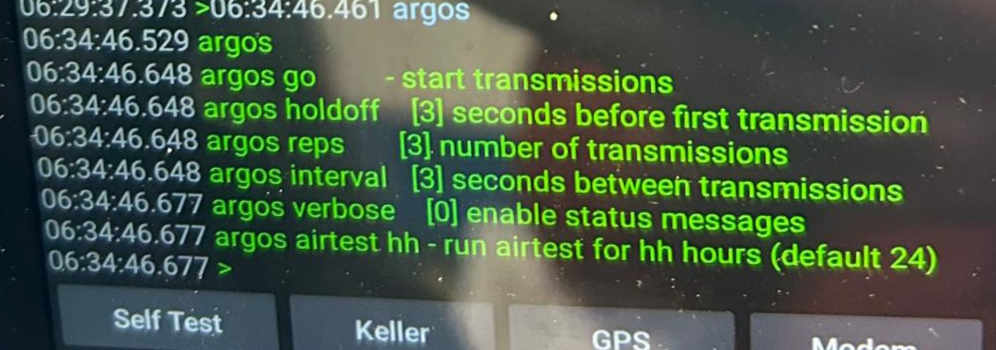
Type “argos go” to start the short transmission test.
Disconnect
Once tests are completed, return the device to hibernation mode by typing “hibernate”.